How on-metal NFC tags replace paper checklists in industrial inspections
The problem isn't the form, it's the proof
Maintenance teams rarely struggle with writing a checklist — that takes an hour in a spreadsheet. The trouble starts afterward. Did the technician actually walk to all ten tanks, or fill in the cards from memory at the end of the shift? Does the pressure reading logged at 2:10pm belong to tank 4, or did someone mix up the numbering while transcribing? Paper answers neither question. It records content, not circumstance.
That gap is what an NFC tag mounted permanently on the equipment, pipeline, or control cabinet is built to close.
What the tag on the metal actually does
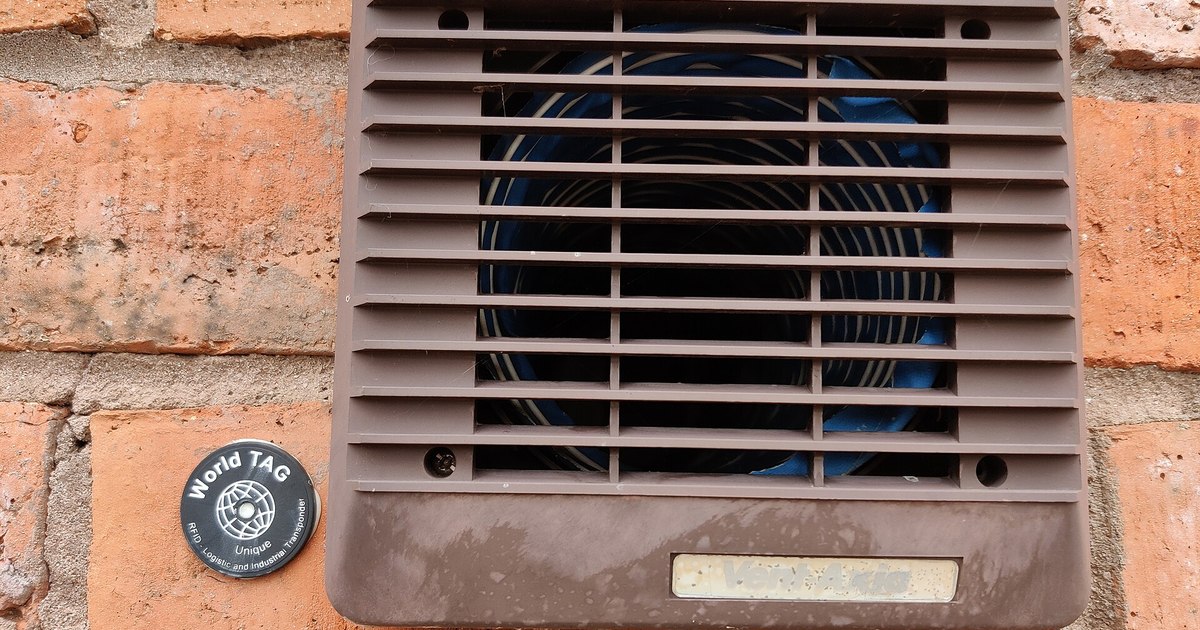
An NFC tag is a small chip attached or riveted to the machine housing. The on-metal version uses a corrosion- and moisture-resistant laminate, with a manufacturer-rated lifespan around 10 years in industrial conditions — longer than most paper checklists survive a single quarter in a binder.
The tag itself measures nothing. Its only job is identification: when a technician's phone touches the tag, the app knows exactly which piece of equipment that phone is standing next to right now. That's the difference from a paper or spreadsheet checklist, where writing down a tank number is a claim. Here it's a fact derived from physical contact with a specific object.
From scan to completed checklist
In Tracera, scanning a tag opens an inspection tied to that specific asset — an inspection record in the system carries the tag's identifier and cannot be created without one. The technician sees a predefined checklist for that inspection point, or a free-form entry when the situation calls for it. Every checklist item can carry a photo — corrosion, a leak, an unusual reading are easier to show than to describe, and a photo attached directly to the entry doesn't get lost the way a photo taken on a personal phone and sent to a group chat does.
The result lands in the system immediately, stamped with a timestamp, the tag identifier, and the account of the technician who scanned it. There's no transcription step from paper to a master spreadsheet — and that step is exactly where paper-based processes usually introduce errors and delay.
What changes for the maintenance manager
The biggest difference isn't filling in a form on a phone instead of on paper. It's what happens to the data once the round is done. Inspection results can be exported to PDF, CSV, or pulled through the API — no manual reconciliation of sheets from different shifts and locations. The inspection history for a given asset becomes something you can actually review before an audit, instead of hunting for the right binder in archive storage.
What this won't fix
An NFC tag confirms presence at the equipment and the moment an inspection happened. It doesn't judge the quality of the work — if someone scans the tag and clicks through a checklist without actually checking the equipment's condition, the system won't catch that automatically. That still requires spot checks from a supervisor and checklist questions designed so they're hard to click through without looking. A digital trail eliminates one kind of shortcut — a fictitious round done from a desk — not every kind.
If your current inspection process runs on cards pinned to machines or a spreadsheet someone fills in from memory at shift's end, it's worth counting how many times last quarter you couldn't pin down who actually checked a given piece of equipment, and when.